
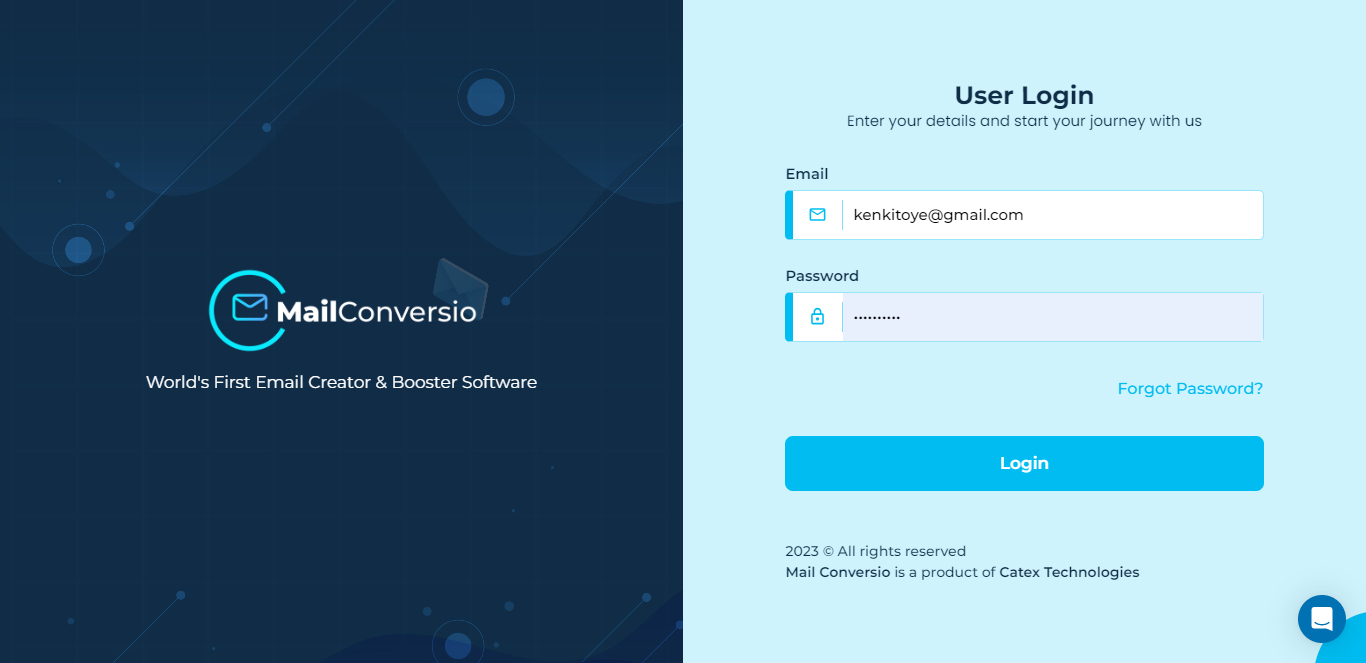
Login to get started
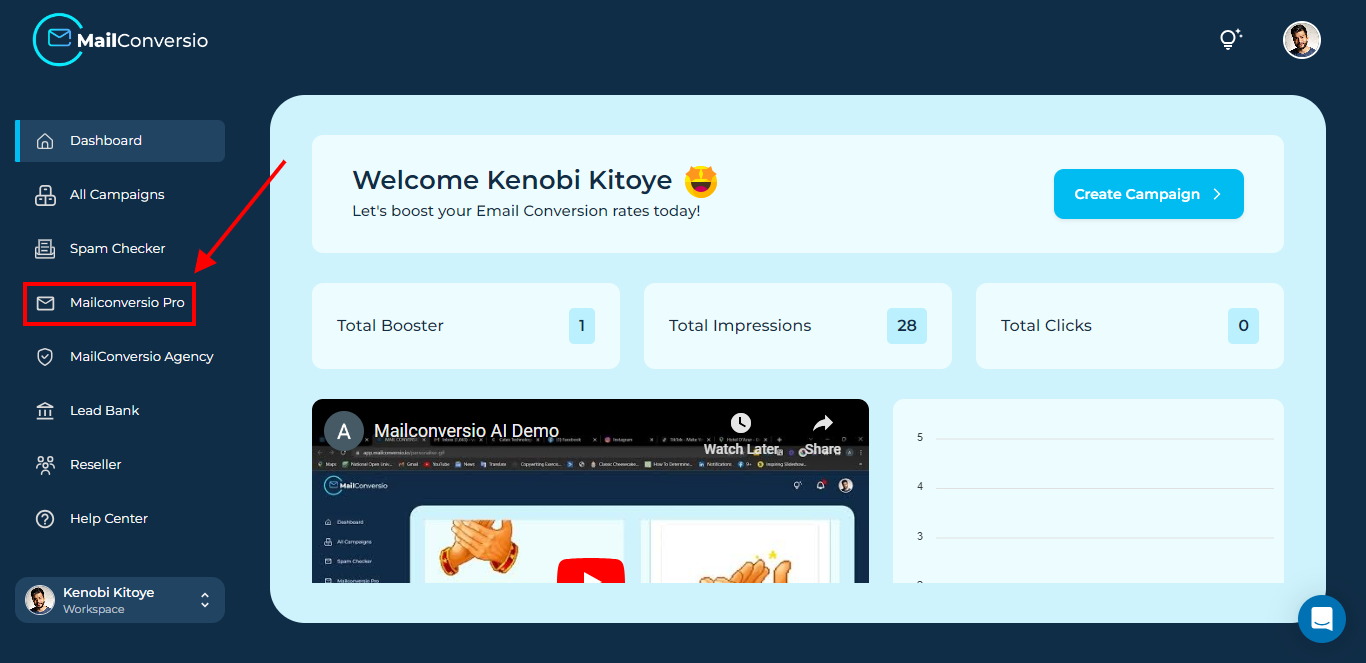
Step 1: Click on the MailConverio Pro button
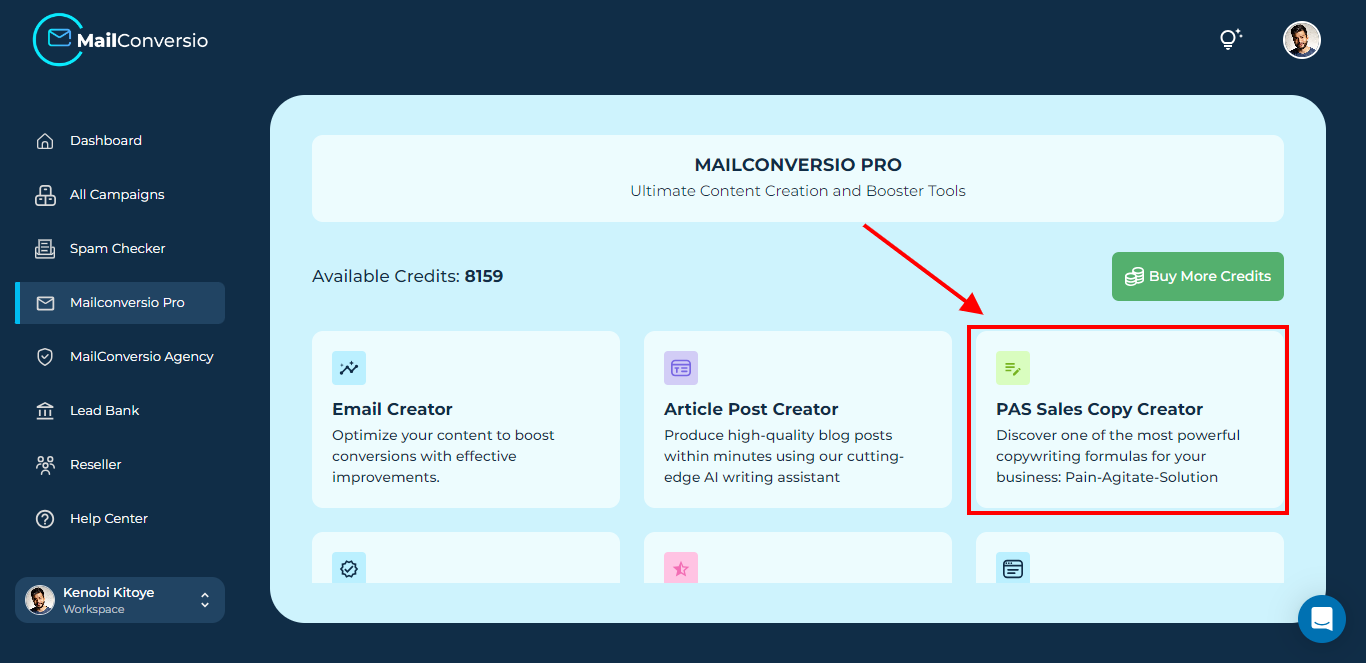
Step 2: Click on PAS Sales Copy Creator
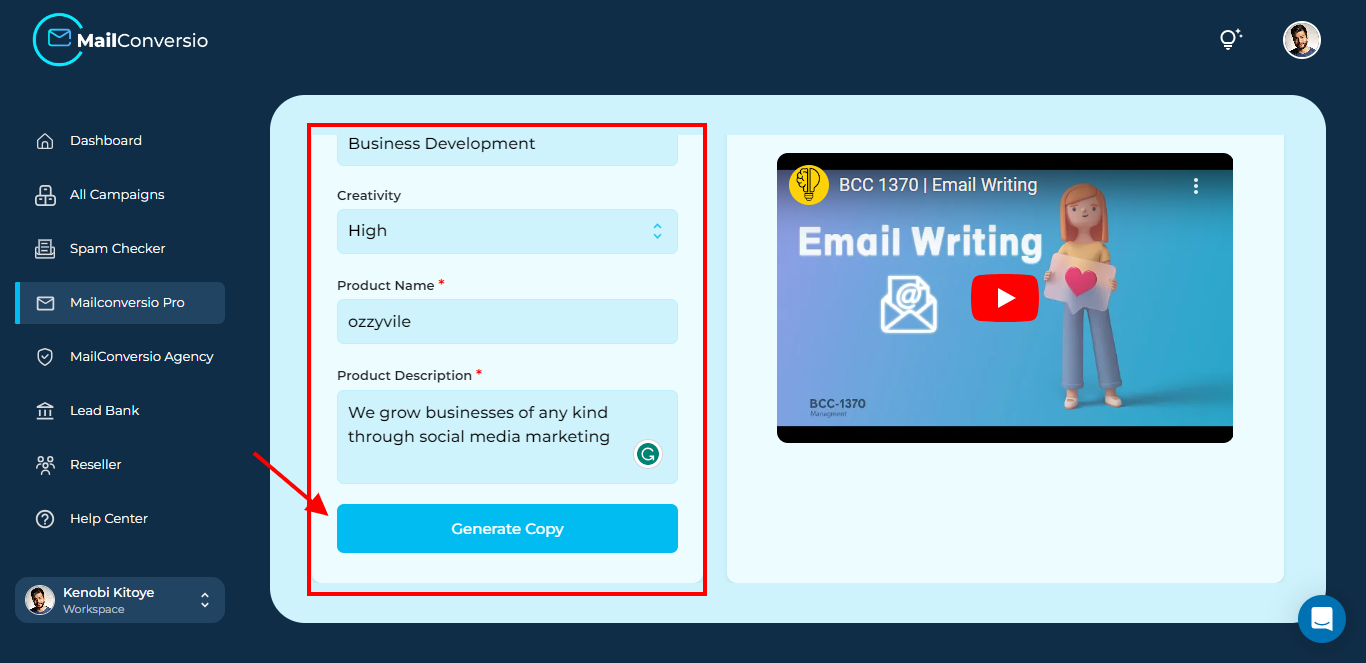
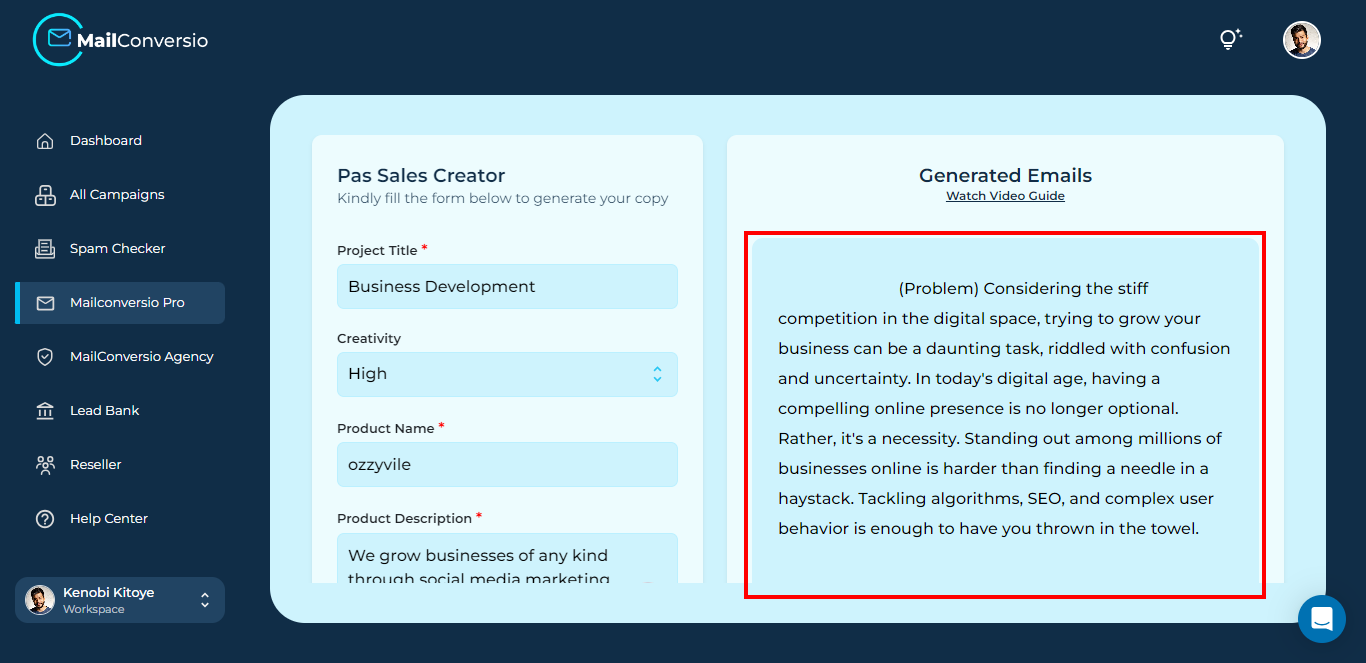
Step 3: Fill in the blank, then click the Generate Copy button.
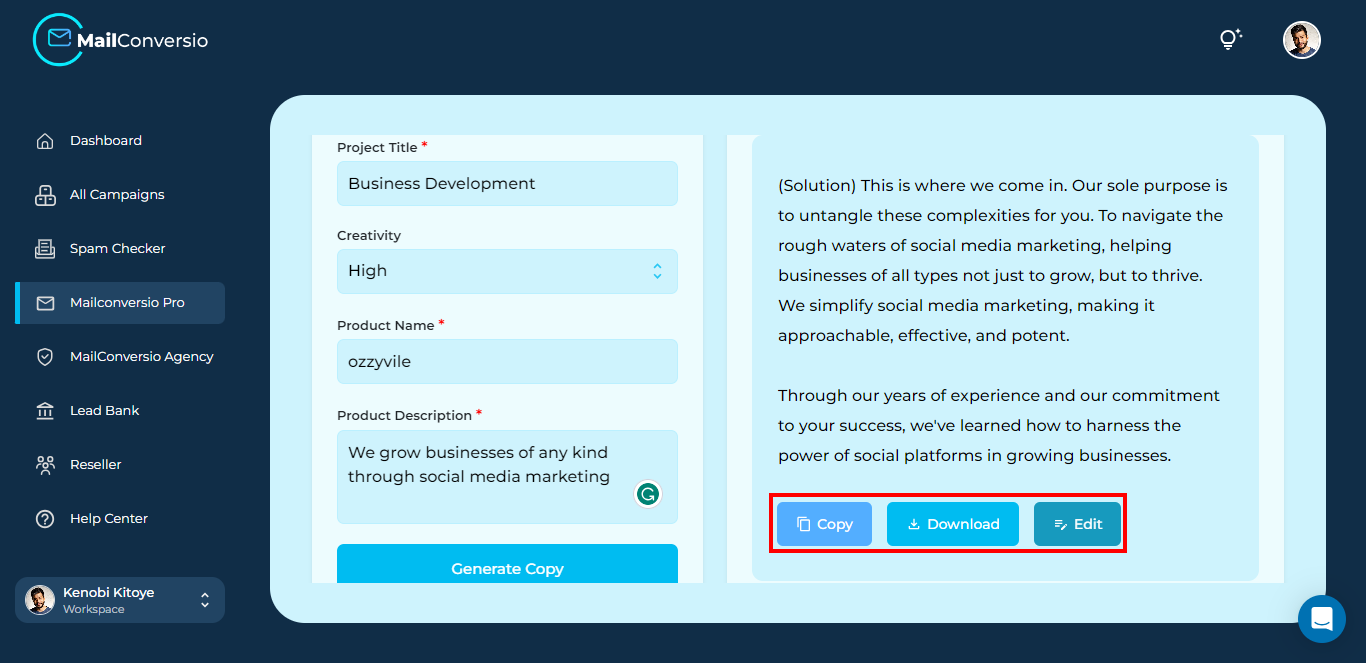
Step 4: And there you have it, your PAS copy generated with Mailconversio AI in just a few seconds. Scroll down the page to see the PAS copy generated. You can copy, download or edit the copy.
That’s it for this article, do reach out to us if you need any assistance.