
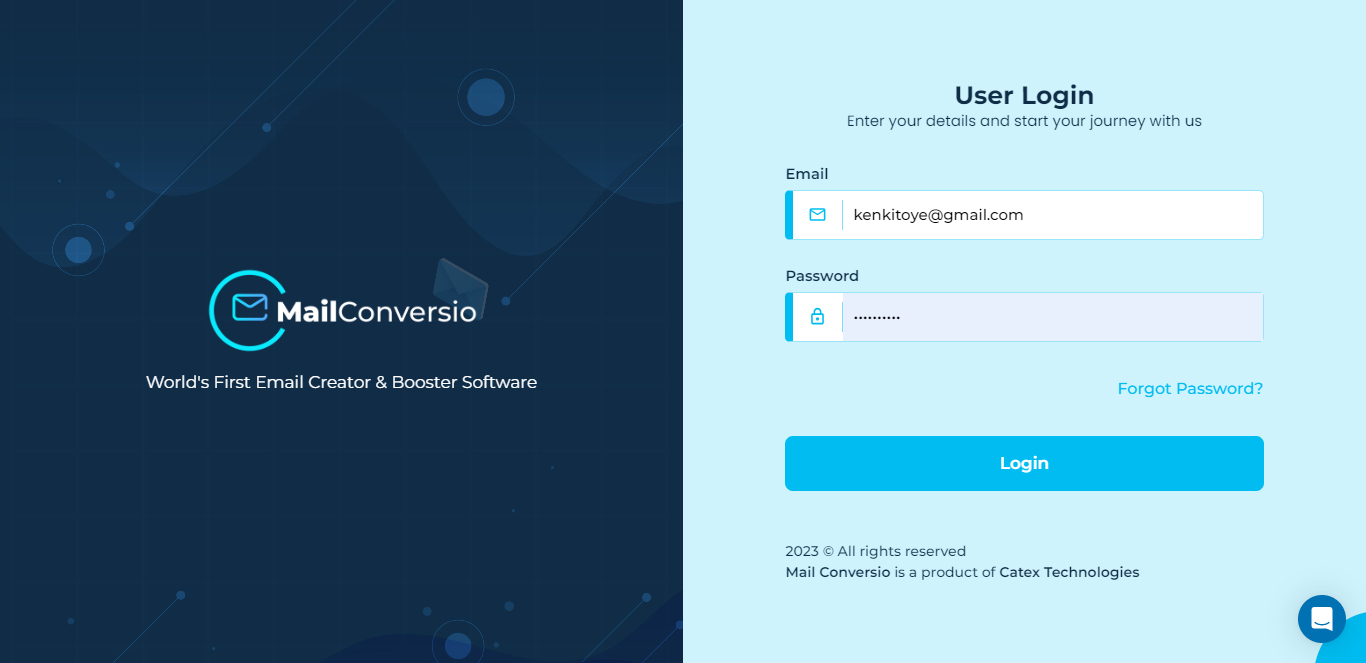
Login to get started
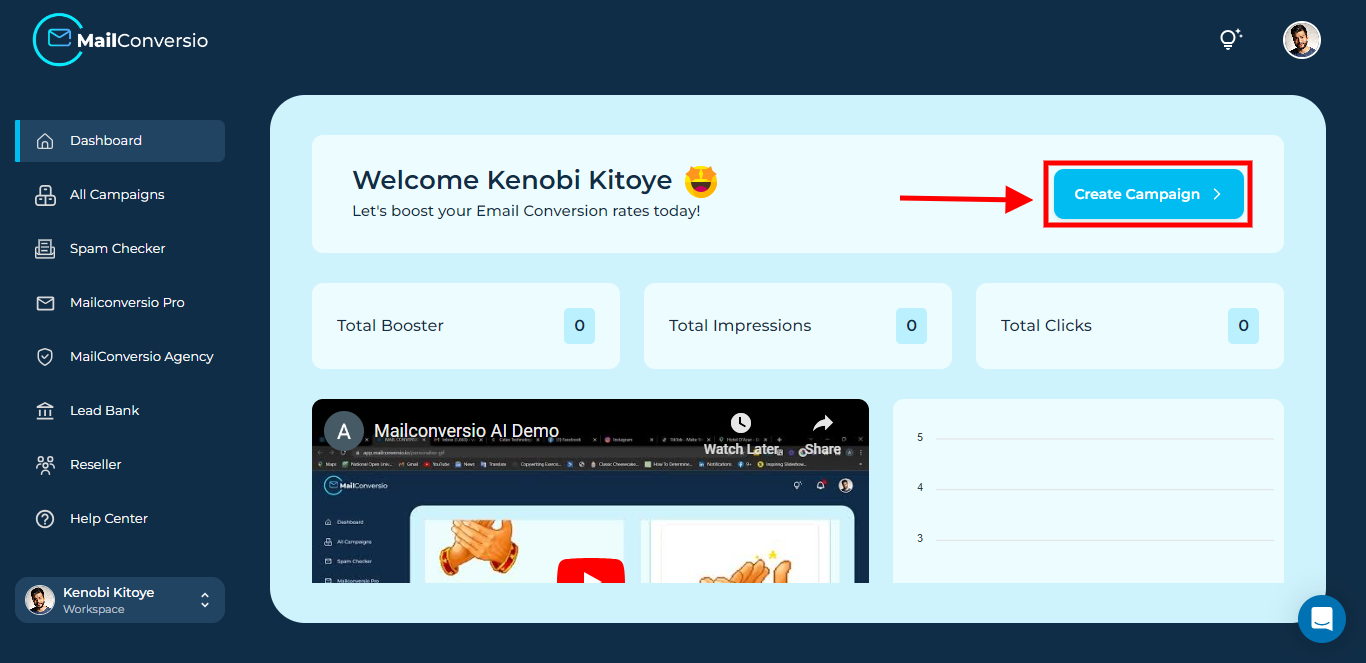
Step 1: When logged into your MailConversio dashboard, click on the Create Campaign button.
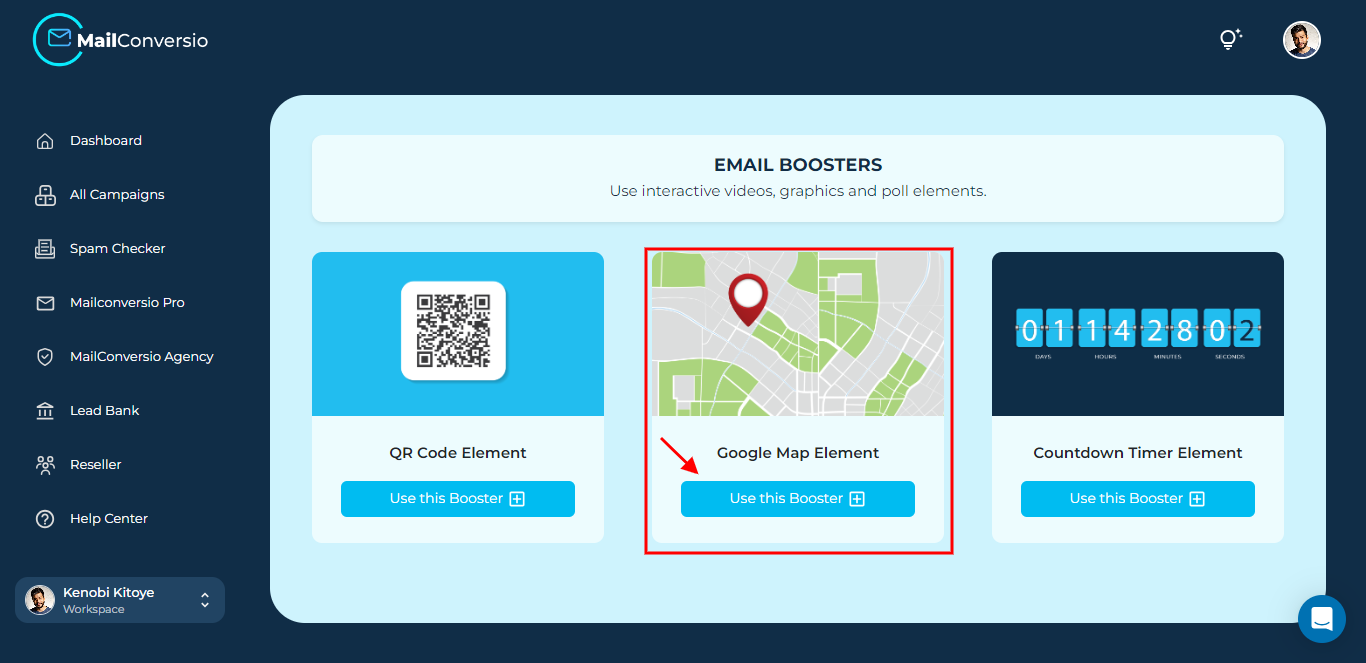
Step 2: Click on the Use this booster booster
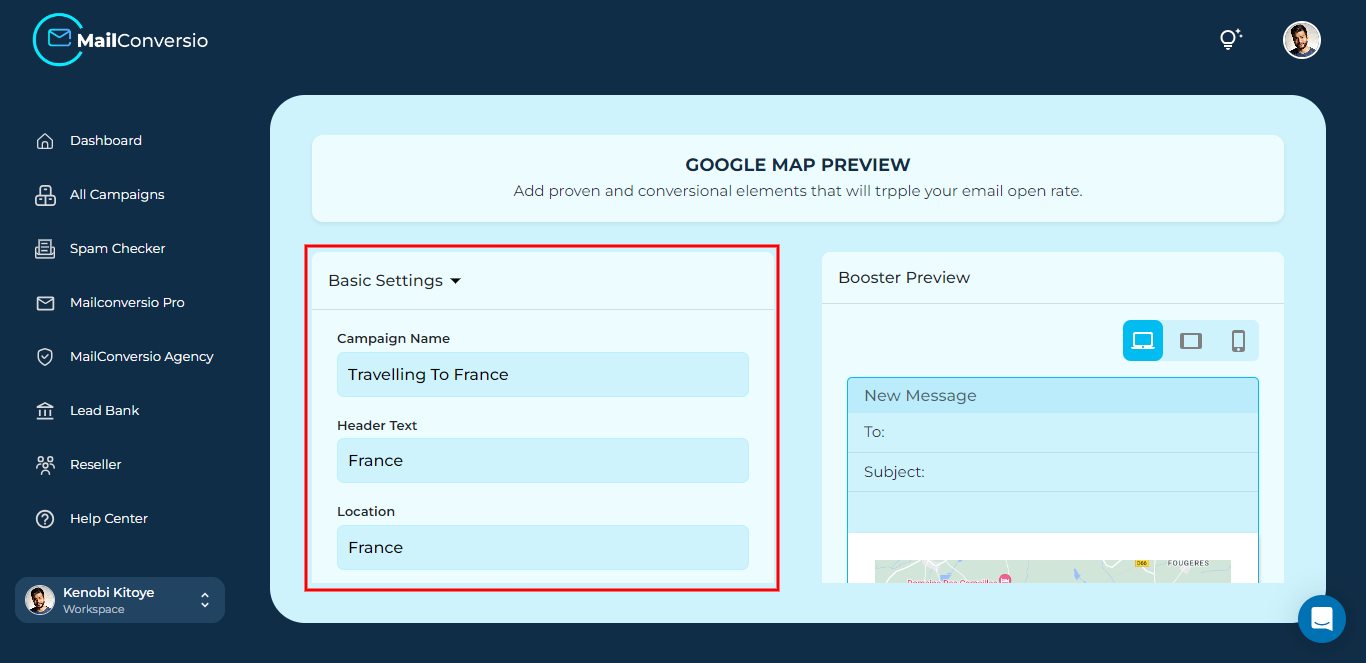
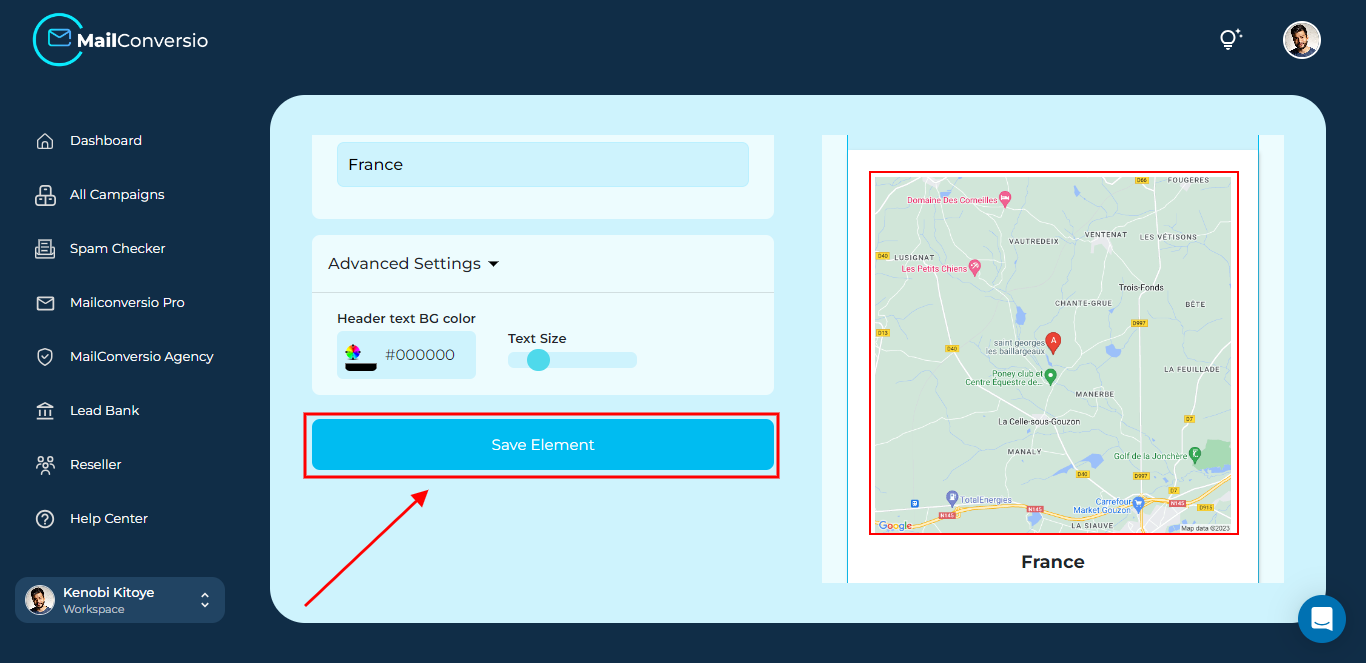
Step 3: Fill in the details then scroll down the page and click on the Save Element
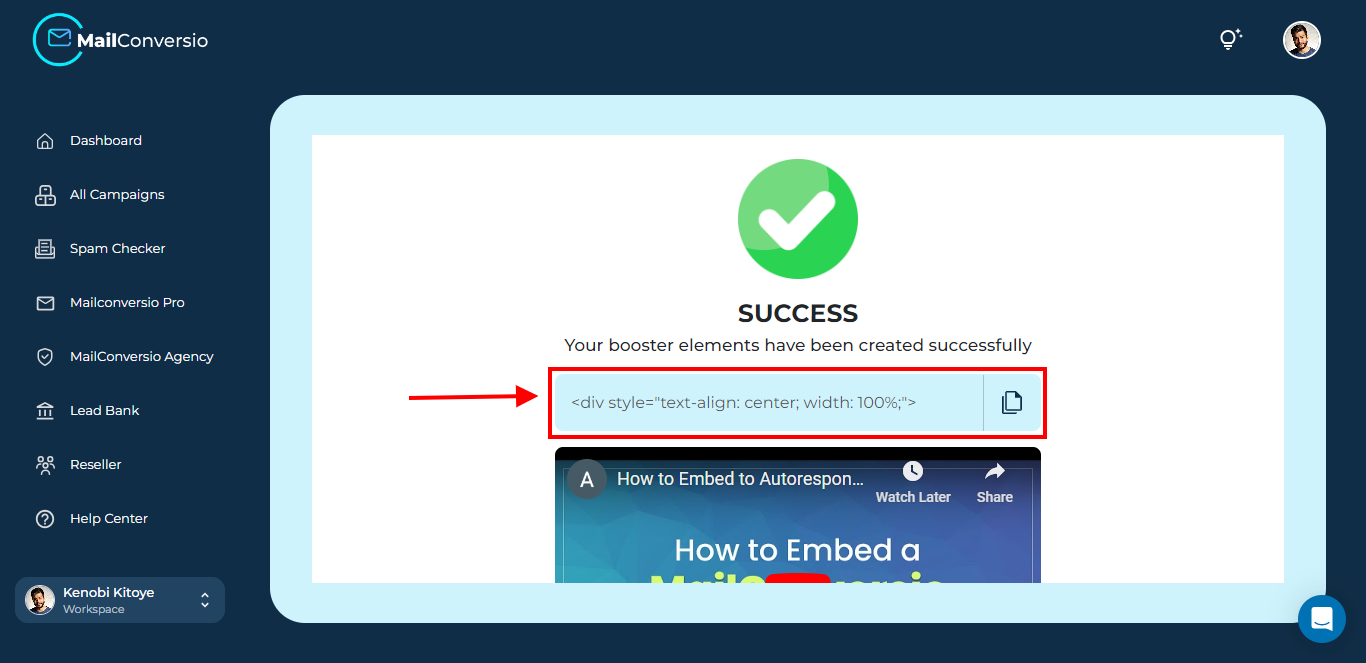
Step 4: Copy the code generated and paste it into your email
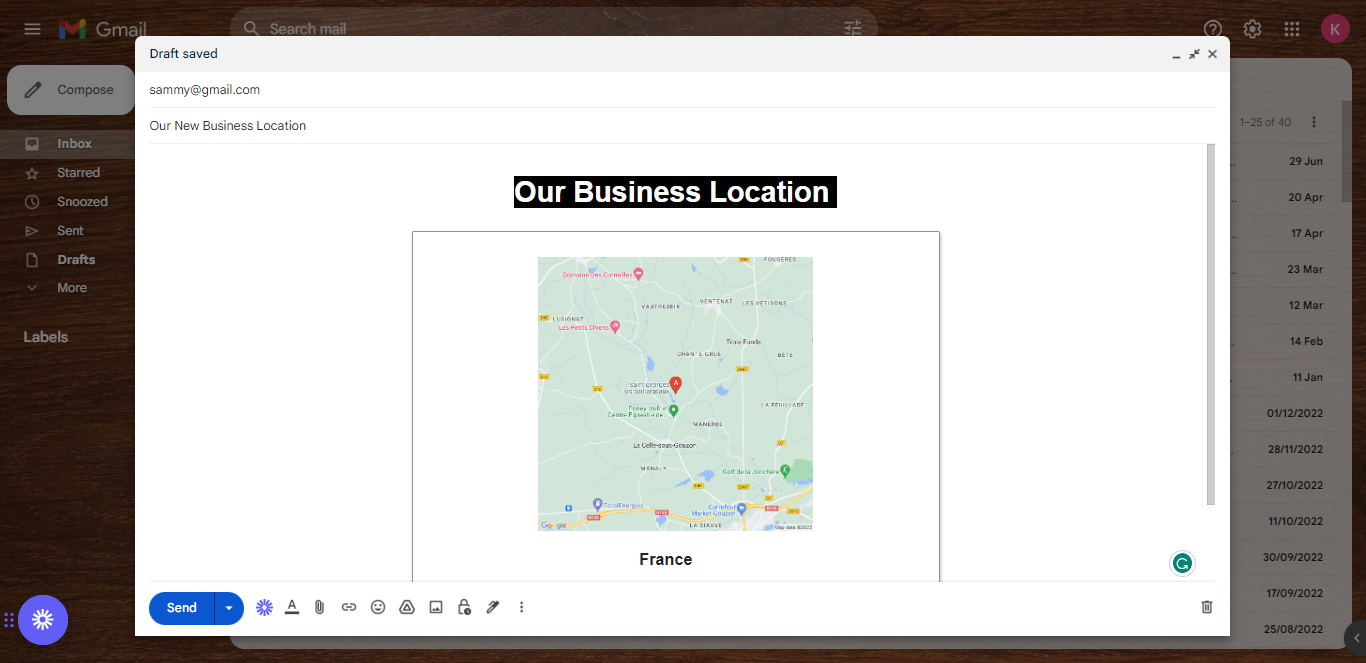
And here you have it, your Google Map location was successfully embedded in your email.
That’s it for this article, do reach out to us if you need any assistance.